
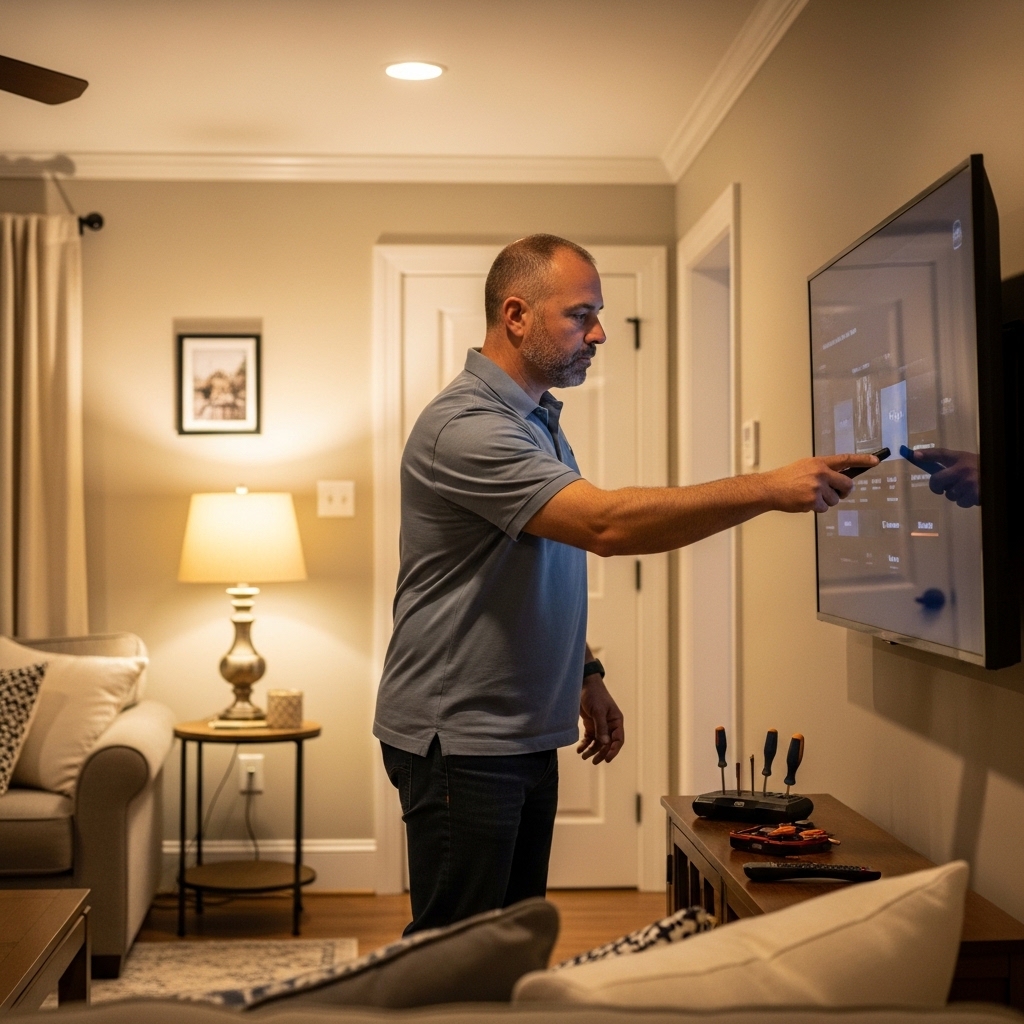

Restore easier control while you troubleshoot missing channels
A channel scan can be frustrating to navigate if your Hisense remote is missing, damaged, or has buttons that no longer respond. The hisense tv not picking up channels issue usually calls for checking the antenna connection, selecting the correct input, and running the TV’s channel scan; a replacement remote can make those on-screen steps easier, but it cannot improve antenna reception or guarantee channels will appear. This distinction matters: solve the control problem and the reception problem separately.
The Smartby Universal for All Hisense-TV-Remote Compatible is described as working with Hisense 4K, ULED, HD, UHD, and Android smart TVs, with no programming required after you install batteries. It uses infrared, so point it toward the TV’s sensor and keep the path clear. The listing says it is not compatible with Hisense Fire TV or Roku TV models, so check your TV’s platform and the original remote model before ordering. Listed compatible remote codes include EN2A27, EN2A127H, EN2B27, and others.
For a channel issue, first confirm the coaxial cable is secure, choose the TV or antenna input rather than an HDMI source, and start an antenna channel scan in the TV settings. If stations remain missing, reposition the antenna or check reception separately. Our guide to multi-directional TV antennas for over-the-air channels can help with antenna options. For indoor setups, see the guide to amplified indoor TV antennas.
This remote includes four quick-launch buttons and is specified to work from over 35 feet away, though infrared still requires a clear line of sight. Batteries are not included. At the listed price range of $8.95, it may suit owners whose compatible original remote is unavailable, but buyers with Fire TV or Roku TV versions should look for a model-specific replacement instead. Check the TV model label and remote code before making a purchase.

Pros
- Instant functionality upon inserting batteries without confusing programming steps
- Convenient quick-launch shortcut buttons for rapid streaming navigation
- Generous 35-foot operating range suitable for spacious living rooms and home theaters
- Durable ABS material withstands everyday family living room use
Cons
- Not compatible with Hisense Roku TV or Hisense Fire TV models
- Uses infrared technology that requires an unobstructed line of sight to the TV sensor
- Batteries are not included in the package and must be purchased separately
A missing or broken remote can instantly bring family movie nights or weekend sports viewing to a frustrating halt. This universal replacement remote from Smartby is designed specifically to restore full control to owners of Hisense 4K ULED, LED, UHD, and Android smart TVs. It serves as an accessible replacement for apartment renters, busy households with kids, cord-cutters, and home entertainment enthusiasts who need an uncomplicated way to get back to streaming their favorite shows and managing TV inputs.
In daily home theater use, the remote offers responsive navigation through smart TV menus and streaming dashboards. Viewers can easily adjust picture settings, switch between HDR and sports viewing modes, dial in dialogue volume, and toggle HDMI sources for gaming consoles or soundbars. The inclusion of four dedicated quick-launch buttons makes jumping directly into major entertainment apps quick and effortless, cutting down on menu searching during late-night binge watching.
The build quality centers around a rigid ABS plastic shell crafted to survive typical living room hazards, such as accidental falls from couches or coffee tables. Measuring roughly 7.9 inches in length and weighing under a quarter of a pound, it provides a balanced, natural grip for hands of all sizes. The rubberized buttons offer clear tactile feedback, ensuring that volume adjustments and channel selections register smoothly from across the room.
Setup is genuinely effortless because the unit requires no manual code entry, Wi-Fi pairing, or Bluetooth syncing. As soon as two standard batteries are inserted, the remote communicates directly with compatible Hisense televisions right away. It covers a vast lineup of original Hisense remotes, including common variants like the EN2A27, EN2BN27H, and ERF2A60, making it an ideal drop-in replacement when the original controller gets lost or damaged.
There are a few practical limitations to keep in mind before buying. Because this controller relies strictly on standard infrared (IR) signals rather than RF or Bluetooth, it must be pointed directly toward the television sensor without obstructions in the way. Additionally, it lacks integrated voice search microphones, so viewers who frequently use voice commands will need to rely on the physical directional buttons. It is also strictly incompatible with Hisense models running Roku OS or Fire TV platforms.
For homeowners and budget-conscious streamers looking for an affordable, reliable way to navigate Hisense Android and UHD displays, this replacement delivers excellent utility. It restores easy access to your 4K display, HDMI inputs, and streaming channels without unnecessary setup steps or premium replacement costs.
Compatibility is straightforward for owners of Hisense televisions running native smart interfaces or Android TV. The unit is pre-programmed to replace a broad array of original factory remote models, such as the EN2A27, EN2A127H, EN2B27, EN2G27, and ERF2A60, ensuring reliable control across standard 4K LED and ULED screens.
Setting up the remote requires zero technical knowledge. There are no pairing buttons to hold down and no multi-digit code lists to enter. Simply install fresh batteries, point the remote at the infrared receiver on your Hisense display, and start navigating immediately.
Buyers should take note of platform restrictions. This remote will not work with Hisense Roku TVs or Hisense Fire TV editions, as those operating systems require different command protocols. Confirming your TV platform before purchasing ensures a seamless, out-of-the-box experience.
Navigating modern streaming platforms requires a remote that responds swiftly, and this model delivers dependable command execution via its infrared transmitter. With an operating reach extending beyond 35 feet, it easily covers large living areas, open-concept apartments, and basement home theaters.
The remote layout features dedicated quick-launch buttons that take you directly into major streaming applications with a single click. This convenience eliminates tedious cursor navigation, making it simple for kids and guests to jump into entertainment without hassle.
Beyond streaming shortcuts, the remote gives you full authority over essential television settings. Switching picture profiles for HDR movie viewing, adjusting audio modes for better dialogue clarity, and cycling through HDMI ports for gaming setups are all easily accessible via dedicated controls.
FAQs
Will this remote fix a Hisense TV that is not picking up channels?
No, the remote does not repair antenna reception or perform a signal fix by itself. It can help you navigate settings and start a channel scan if your TV model is compatible. Check the antenna cable, input selection, and reception as separate steps.
Does the Smartby remote work with every Hisense TV?
No, the product listing excludes Hisense Fire TV and Roku TV models. It lists compatibility with Hisense 4K, ULED, HD, UHD, and Android smart TVs, plus several remote model codes. Confirm your TV platform and original remote code before buying.
Does this Hisense replacement remote need programming?
No, the listing says no programming is required for compatible TVs. Install batteries, which are not included, and aim the infrared remote at the television’s sensor. A clear line of sight is needed for the signal.
What should I check if an antenna channel scan finds no stations?
Check that the coaxial cable is firmly connected and that the TV is set to its antenna or TV input, not an HDMI source. Then run the channel scan again and adjust the antenna if reception remains weak. An amplified indoor antenna is one option to compare, but results depend on local signal conditions.
Can I use this remote from across the room?
The product description specifies operation from over 35 feet away, using infrared. Keep the remote pointed toward the TV’s sensor and avoid objects blocking the path. Room layout and line of sight can affect whether commands register.




Write Your Review
No reviews yet. Be the first to share your experience!