
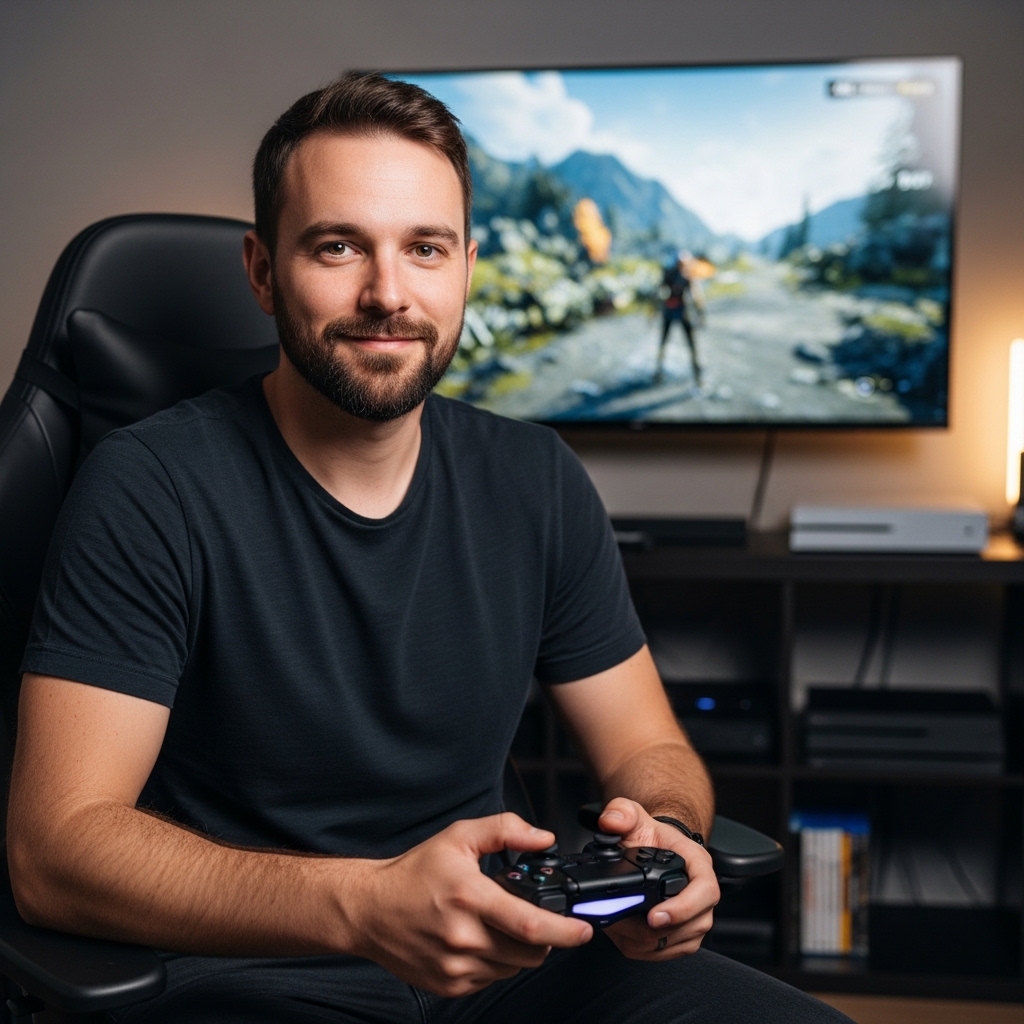

Washed-out daytime images and reflections from windows can make a big screen feel less immersive. The choice between gaming on a projector vs tv depends on whether you value a huge projected image or consistent clarity, contrast, and responsiveness in changing room light. A projector can create a wall-sized view for story games and casual play, but a television is usually easier to use in a bright room and may suit players who need dependable motion handling. These listed projectors offer native 1080p resolution, while their 4K support refers to decoding or playback support, not a native 4K image. None of the supplied specifications confirms a 120Hz refresh rate, VRR, ALLM, HDMI 2.1, or measured gaming latency, so check your console requirements before buying.
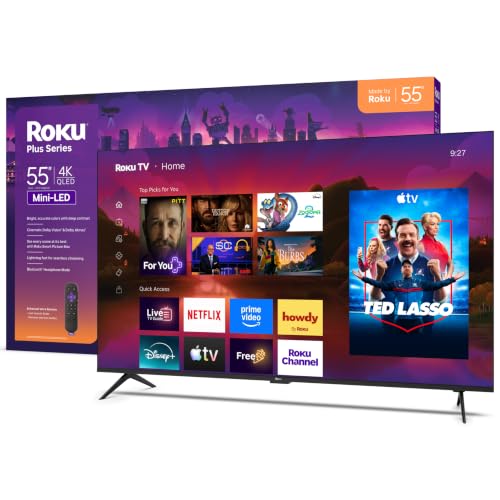
Room setup matters just as much as screen size. A 65-inch TV is often considered for a viewing distance around 7 to 9 feet, while 75- and 85-inch sets can suit roughly 9 to 11 feet, depending on your preference. A projector may stretch beyond those dimensions, but ambient light can reduce perceived contrast, and a suitable wall or screen is essential. OLED, Mini-LED, and QLED televisions make different trade-offs in black levels, brightness, viewing angles, and burn-in concerns; native 60Hz versus 120Hz also matters for sports and console motion. HDR format support varies by model, so verify Dolby Vision or HDR10+ rather than assuming it. For a separate console display comparison, see these budget gaming TV options. Our review considers the supplied specifications and owner feedback without treating manufacturer claims as independent measurements.



Pros
- Official Google TV platform with built-in streaming apps eliminates the need for a separate streaming stick.
- 4K support and 400 ANSI lumens provide good image clarity and brightness for a projector in its price range.
- Dolby Sound and built-in speaker deliver decent audio quality for casual movie watching and gaming.
- Google Voice Assistant adds hands-free convenience for searching and controlling playback.
- Lightweight and portable design makes it easy to set up indoors or outdoors.
Cons
- 400 ANSI lumens may not be bright enough for fully lit rooms; best used in dim or dark environments for optimal picture quality.
- Built-in 5W speaker may lack deep bass and volume for larger spaces; an external soundbar or Bluetooth speaker is recommended for a more cinematic experience.
- Limited user reviews at launch make it hard to gauge long-term reliability and performance consistency.
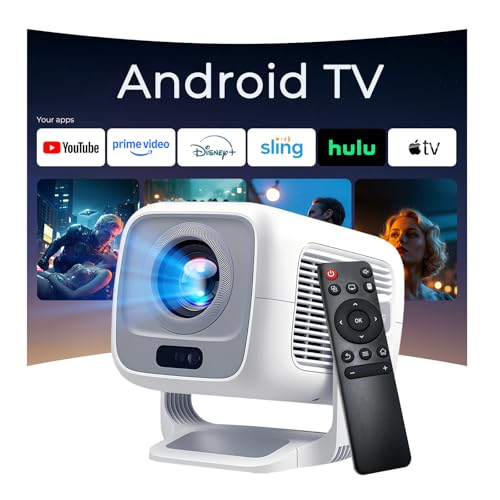
The HAPPRUN Official Licensed Google TV Smart Projector is a versatile all-in-one home entertainment solution that blurs the line between a traditional TV and a portable big-screen experience. Instead of a fixed panel, this projector uses a DLP engine to throw a massive image onto any wall or screen, making it a compelling option for apartment renters, homeowners, and outdoor entertainment enthusiasts who crave a cinematic feel without the wall-mounting commitment.
At the heart of this projector is the official Google TV platform, which is a huge convenience for cord-cutters and streamers. You can directly log into Netflix, Prime Video, Hulu, YouTube, and many other apps without needing a separate Roku, Fire Stick, or Apple TV. The Google Voice Assistant is integrated into the remote, so you can simply press a button and ask it to open a show, adjust volume, or search for a movie. This streamlined interface is snappy and familiar to anyone who has used a modern smart TV, making the setup and daily use feel very intuitive.
Picture quality is where projectors often compromise, but the HAPPRUN aims to deliver with 4K UHD support and 400 ANSI lumens of brightness. While it's not true native 4K (most projectors in this price range use pixel-shifting), it does a solid job of upscaling 1080p content to look sharp and detailed on a large screen. The 400 ANSI lumens rating means you'll get the best performance in a dark or dimly lit room, which is typical for home theater and movie nights. Colors appear vibrant and skin tones look natural, though blacks lean toward dark gray rather than the deep inky blacks of an OLED TV. For sports fans watching the big game or families enjoying a movie marathon, the image is clear and engaging, especially when you consider the price.
Sound quality is handled by a built-in 5W speaker with Dolby audio support. It's loud enough for a small to medium-sized room and offers clearer dialogue than many budget projectors. However, for a truly immersive experience, especially during action movies or gaming sessions, pairing it with a Bluetooth speaker or soundbar will make a noticeable difference. The projector's Wi-Fi and Bluetooth connectivity also allow you to wirelessly cast from your smartphone or tablet, which is great for showing off vacation photos or streaming music.
Build quality is decent for its weight and size. At just over 4 pounds and measuring about 9.5 x 8.3 x 3.8 inches, it's easy to pack up for a camping trip, move from the living room to the bedroom, or set up in the backyard for outdoor movie nights. The remote is functional with a built-in microphone for voice commands, and the interface is responsive. One limitation to keep in mind is that projectors generally require a bit of fine-tuning with focus and keystone correction, and this one is no exception. Also, in brighter rooms, the image will wash out, so it's best used with some light control.
Overall, the HAPPRUN 4K Google TV Projector is a strong contender for budget-conscious shoppers, movie lovers, and streamers who want a big screen experience without the cost of a large TV. It's ideal for apartment renters who can't mount a TV, families who want outdoor movie nights, or gamers who want to play on a 100-inch screen. While it has some limitations in brightness and built-in audio, its official Google TV integration, voice control, and portability make it a very practical and enjoyable home entertainment device for a wide range of U.S. households.
FAQs
Is a projector or TV better for console gaming?
A TV is generally the safer choice for competitive play unless a projector lists the gaming features you need. These projector specifications do not state input lag, native 120Hz, VRR, or ALLM, so confirm compatibility before connecting a PlayStation 5 or Xbox Series X.
Can I use these projectors in a bright living room?
Some room light may be manageable, but a projector image usually benefits from dimmer conditions. The LYNCAST 1200 ANSI model lists 1200 ANSI lumens, while the other supplied brightness specifications are lower; those figures are manufacturer claims, not independent measurements. For direct sunlight, consider a purpose-built outdoor smart TV instead.
Do these projectors display native 4K?
No, the listed models do not specify native 4K resolution. The LYNCAST models and the ClokoWe projector list native 1080p or HD projection with 4K support or playback, while the HAPPRUN description says it supports 4K but lists no native panel resolution. Check the exact resolution details if fine 4K image detail is a priority.
Which projector is easiest to set up in a small room?
The LYNCAST 600 ANSI model lists a 0.8:1 short-throw ratio and a 270-degree rotating design, which can help in tight spaces. The ClokoWe model also lists a short-throw ratio, auto keystone, and 180-degree rotation. Confirm your available throw distance and preferred image size before ordering.
Can I connect a console and use built-in streaming apps?
Yes, listed connectivity includes HDMI on the LYNCAST 600 ANSI projector, and the models describe built-in streaming platforms or apps. Connect a console by HDMI, then use the projector’s apps for services such as Netflix or YouTube where supported. The supplied information does not confirm HDMI eARC or a dedicated 4K 120Hz port.
Are projector speakers enough for gaming and movies?
Built-in speakers can simplify casual viewing, but their stated capabilities vary: the first LYNCAST lists dual 36W speakers and Dolby Audio, while HAPPRUN lists a 5W speaker with Dolby sound effects. Bluetooth is available on the listed models, so compatible headphones or external speakers may be an option. Check connection support and possible audio delay for gaming.




Write Your Review
No reviews yet. Be the first to share your experience!