
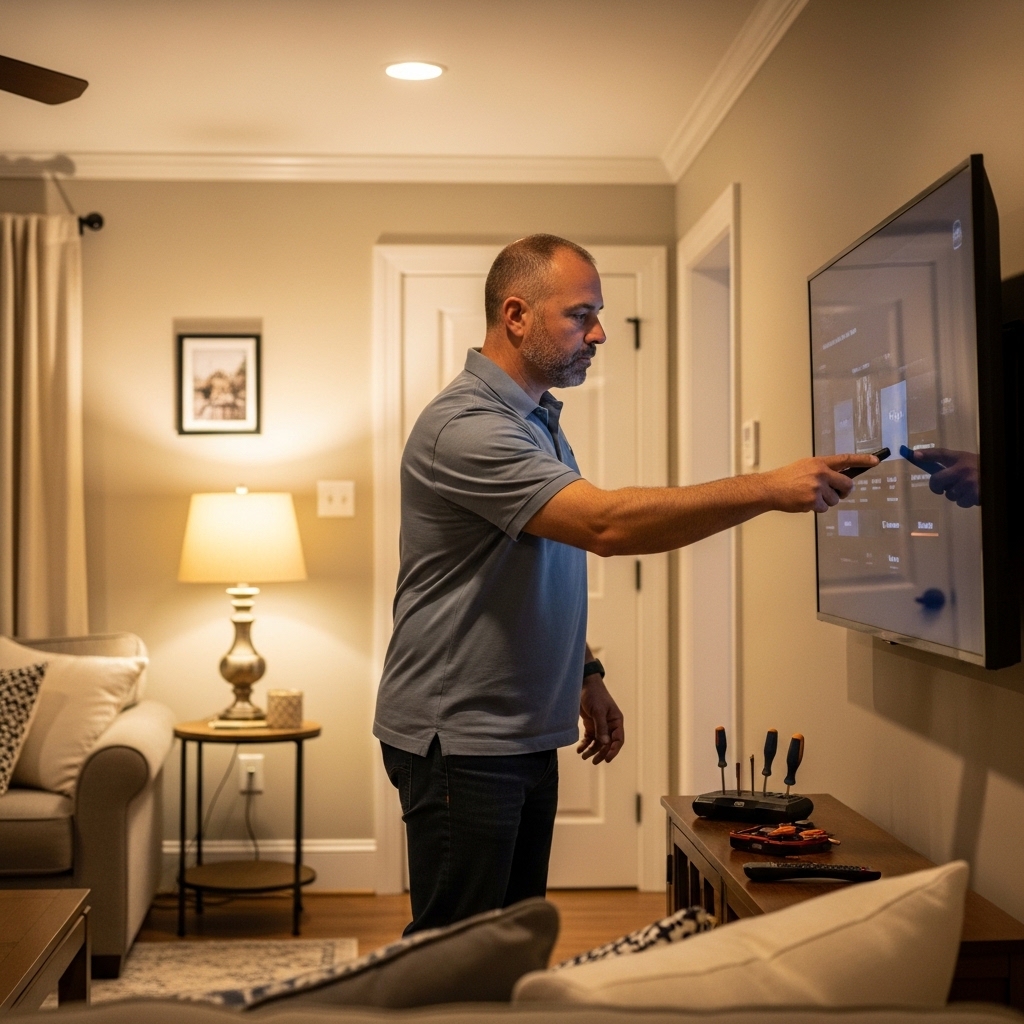

Modern living rooms often showcase massive screens where individual pixel structures vanish into clean, lifelike imagery. Understanding how many pixels in a 4k tv reveals exactly why modern ultra-high-definition panels look dramatically crisper than older high-definition hardware. A standard 4K consumer display houses exactly 3,840 horizontal pixels by 2,160 vertical pixels across its panel grid. This dense physical layout generates over eight million individual picture elements working together to render fine textures, readable small text, and sharp scenic details. Anyone shopping for a new display can see this spatial advantage immediately on a modern 55-inch streaming television during high-bitrate playback.
This massive increase in screen density quadruples the spatial resolution found in traditional 1080p displays. Buyers upgrading from older setups often notice that visual grain and jagged edges disappear entirely at normal living room seating distances. But having millions of addressable dots across a screen does not automatically guarantee exceptional contrast or vivid colors on its own. Panel lighting mechanisms, HDR processing pipelines, and video decoding hardware work directly alongside native pixel counts to form the finished image. Examining how these micro-level components function helps you evaluate display performance with complete clarity.

The Pixel Mechanics and Display Architecture of 4K Televisions
A standard consumer 4K television contains exactly 8,294,400 active pixels arranged across a fixed grid. This total comes from multiplying 3,840 horizontal pixels by 2,160 vertical pixels. The resulting 16:9 widescreen layout matches modern digital broadcasting, streaming films, and console gaming standards. Knowing this exact baseline demystifies manufacturer marketing and explains how Ultra HD panels achieve lifelike visual clarity.
The Exact Pixel Count: Defining 3840 by 2160 Ultra HD
The term 4K originally described digital cinema projectors that projected approximately four thousand horizontal pixels. The consumer electronics industry adapted this terminology for home televisions under the official name Ultra High Definition, or UHD. Consumer panels feature exactly 3,840 horizontal columns and 2,160 vertical rows of pixels across the screen glass. This precise arrangement maintains the standard 16:9 widescreen aspect ratio without introducing black letterbox bars on broadcast content. Enthusiasts often compare this resolution to theatrical formats that utilize slightly different dimensions.
In commercial digital cinema, the DCI 4K production standard uses a wider frame measuring 4,096 horizontal pixels by 2,160 vertical pixels. That theatrical format totals 8,847,360 pixels and creates a native 1.90:1 aspect ratio designed for theater projection. Consumer televisions adjusted the horizontal width to 3,840 pixels to match established consumer television aspect ratios. As a result, home 4K displays show digital video natively across every pixel row without stretching or cropping. Every pixel maps directly to the incoming signal when viewing genuine Ultra HD content.
Four Times the Resolution of Full HD Panels
Comparing a 4K display to an older 1080p Full HD screen highlights why modern televisions look substantially sharper. A 1080p display contains 1,920 horizontal pixels and 1,080 vertical pixels, which equals 2,073,600 total pixels. Because a 4K screen doubles both the horizontal and vertical counts, it holds four times as many individual pixels. Fitting four 1080p frames into the physical footprint of one 4K television produces tight pixel spacing. This dramatic density increase virtually eliminates the visible screen-door grid found on older displays.
This transition from standard high definition to 4K represents a massive generational leap for living room entertainment. Where an older high-definition screen allocated two million points of light, a 4K panel commands over 8.29 million points. This fourfold density upgrade allows fine details like individual hair strands and subtle textures to render cleanly. Viewers no longer see jagged stair-stepping artifacts along curved or diagonal edges in high-contrast scenes. The picture appears closer to an organic window into reality than an electronic grid.
Pixel Density and Screen Sizing Across Display Dimensions
Every 4K television maintains 8,294,400 pixels regardless of whether the glass measures 43 inches or 85 inches diagonally. Because the total pixel count remains constant, the physical size of individual pixels shifts across different screen dimensions. This spatial distribution is quantified as pixels per inch, or PPI, measuring dot density across the panel surface. A 43-inch 4K screen concentrates its pixels into a dense grid of roughly 102 pixels per inch. In contrast, an 85-inch television distributes that same pixel count across a much larger surface, yielding approximately 52 pixels per inch.
Selecting larger display sizes emphasizes the importance of managing pixel density relative to your room layout. For example, a budget 75-inch television provides around 59 pixels per inch across its expansive glass panel. Despite having lower pixel density than smaller screens, large displays look remarkably sharp at sensible seating distances. Human eyes naturally blend adjacent dots into continuous lines once you sit a few feet away from the glass. The perceived sharpness of any television is therefore an optical relationship between pixel spacing and viewing distance.
Understanding pixel density also explains why using a 4K television as a computer monitor requires careful seating adjustments. Sitting two feet away from a large 65-inch television exposes individual pixels, making desktop text appear somewhat coarse. Conversely, moving six to eight feet back allows your eyes to resolve the image as a unified picture. Compact displays excel in tight offices or bedrooms where close viewing is unavoidable. Larger screens require greater physical distance to achieve that same perceived smoothness across their 8.3-million-pixel arrays.
Human Visual Acuity and the Critical Viewing Distance Threshold
Human visual acuity determines whether your eyes can actually perceive the difference between eight million pixels and two million pixels. An individual with standard 20/20 vision can resolve details down to approximately one arcminute of visual angle. If you sit too far from a 4K television, your retinas lack the angular resolving ability to distinguish individual 4K pixels. For instance, sitting twelve feet away from a 50-inch 4K screen renders the extra resolution virtually indistinguishable from 1080p. To enjoy the full benefit of Ultra HD, viewers must sit within a specific optical window.
Industry standards from SMPTE and THX suggest viewing distances based on human field of view and angular resolution. A 30-degree to 40-degree field of view provides cinematic immersion while maximizing visible screen resolution. For a 55-inch 4K television, the recommended viewing distance sits comfortably between 5.5 and 7.5 feet from the screen. A 65-inch screen allows viewers to sit between 6.5 and 9 feet away without losing clarity. Sitting within these calculated boundaries ensures your eyes capture the full fidelity rendered across all 8,294,400 pixels.
Sitting closer than the recommended minimum distance can sometimes cause visual fatigue during fast-moving scenes. Your eyes must continually scan across the broad perimeter of the screen when positioned inside the minimum viewing envelope. However, 4K resolutions permit closer seating than older 1080p sets ever permitted without exposing the pixel structure. Home cinema enthusiasts often favor these closer seating positions to replicate the immersive front rows of a commercial theater. Balancing room dimensions, seating positions, and viewing angles guarantees optimal performance from your television.
Subpixel Architectures: RGB, WRGB, and Quantum Dot Matrices
While a 4K television contains over eight million primary pixels, each pixel is composed of microscopic subpixels. Traditional LED and QLED liquid crystal displays utilize three distinct subpixels per pixel: red, green, and blue. This standard RGB stripe arrangement means the panel incorporates nearly 25 million individually controlled color elements. Modulating the light levels of these red, green, and blue subpixels allows the display to mix millions of distinct colors. This classic layout ensures clean color boundaries and clear text rendering for computer desktop use.
Self-emissive display technologies often modify subpixel layouts to improve efficiency and sustained panel brightness. Standard White OLED panels utilize a WRGB subpixel architecture that includes an additional white subpixel alongside red, green, and blue. This extra emitter increases peak panel brightness while reducing operating temperatures for the organic layers. Meanwhile, QD-OLED displays arrange red, green, and blue quantum dot emitters in a triangular configuration to expand color saturation. These microscopic subpixel configurations illustrate that 4K clarity depends heavily on how light and color are physically emitted.
Image Upscaling: Mapping Sub-4K Content Across 8.3 Million Pixels
A 4K television must illuminate all 8,294,400 pixels on its screen regardless of incoming video resolution. When you watch 720p cable feeds, 1080i broadcasts, or standard definition media, internal processing chips must generate the missing pixels. A 1080p source contains roughly two million pixels, requiring the television to calculate over six million extra pixels in real time. Elementary upscaling methods merely duplicate neighboring pixels, which can leave images looking fuzzy or soft. Modern video processors utilize machine learning models and edge reconstruction filters to invent sharp detail convincingly.
Dedicated image processors evaluate incoming frames line by line to separate compression noise from true picture detail. These chips apply spatial smoothing, edge sharpening, and texture synthesis before assigning color data to the display panel. This processing is especially vital when viewing fast action on a high-refresh Mini-LED sports television. Rapid camera pans across detailed playing surfaces can highlight digital macroblocking on poorly processed video feeds. Capable upscaling engines eliminate these digital distractions by sharpening edges without adding harsh ringing halos.
Highly compressed streaming video poses another substantial hurdle for internal television upscaling engines. Even when a video stream arrives in nominal 1080p or 4K resolution, aggressive data compression can introduce visible color banding. Quality video processors smooth out these rough color steps across open skies and shadowy movie scenes. Choosing calibrated picture modes like Filmmaker Mode or Cinema Mode helps the processor present clean edges without artificial enhancement. Effective upscaling ensures that lower-resolution media integrates seamlessly into the dense 4K pixel matrix.
High Dynamic Range and Contrast: Beyond Raw Resolution
Resolution defines image sharpness, but it represents only one facet of overall picture quality. High Dynamic Range, or HDR, enhances visual realism by expanding the contrast range between deep shadows and brilliant highlights. A television with 8.3 million pixels can still look dull if its backlight system cannot generate deep black levels or bright highlights. Premium screens combine dense pixel grids with local dimming backlights or self-emissive pixels to control illumination precisely. This combination of spatial sharpness and wide contrast creates realistic visual depth across every scene.
Color rendering also expands substantially when moving from standard dynamic range to modern 10-bit HDR video formats. Ten-bit color processing allows a 4K television to display over one billion distinct colors rather than 16.7 million colors. Dynamic formats like Dolby Vision and HDR10+ provide frame-by-frame instructions that guide the panel tone-mapping algorithm. This metadata helps each pixel operate at its ideal luminance and color saturation level without clipping highlights. True image quality relies on the harmonious interplay between pixel count, contrast performance, and accurate color reproduction.
Source Hardware and Bandwidth Requirements for Native 4K Playback
Driving an 8.3-million-pixel display requires adequate transmission bandwidth and capable source hardware. Physical media formats like Ultra HD Blu-ray discs deliver uncompressed audio alongside high video bitrates exceeding 100 megabits per second. Streaming platforms utilize modern compression standards like HEVC and AV1 to deliver 4K streams over residential internet connections. Major streaming services generally recommend internet speeds of at least 25 megabits per second for uninterrupted 4K HDR playback. Slower connections force streaming applications to drop resolution down to 1080p to prevent video buffering.
Upgrading older televisions with an external media streamer provides a simple route to native Ultra HD entertainment. A device like the Chromecast with Google TV (4K) connects via HDMI to deliver 4K HDR streaming across major video platforms. This compact adapter features dedicated video decoders and supports voice search via Google Assistant on the included remote control. By handling high-bandwidth streaming internally, external devices bypass outdated television operating systems and output a stable 3840 by 2160 video signal. It also provides family profiles and casting features to manage home streaming smoothly.
HDMI port specifications also dictate whether your television can receive high-frame-rate 4K content from modern gaming hardware. Older HDMI 2.0 connections cap 4K video signals at 60Hz due to an 18 gigabit per second bandwidth ceiling. Modern HDMI 2.1 ports expand bandwidth to 48 gigabits per second, supporting 4K playback at 120Hz with variable refresh rates. Gamers must connect modern consoles to designated HDMI 2.1 inputs to achieve fluid high-frame-rate performance alongside full 4K clarity. Quality cables and capable inputs ensure that your screen displays every pixel without signal bottlenecks.
Understanding the technical specifications behind 4K resolution helps you see past marketing buzzwords and evaluate real display performance. A television housing 3,840 by 2,160 pixels offers exceptional spatial clarity when positioned at recommended viewing distances. Pairing that physical pixel grid with capable upscaling, wide dynamic range, and high-bandwidth source hardware creates an outstanding viewing experience. Considering resolution alongside contrast, color volume, and motion clarity ensures you select a television that delivers years of visual enjoyment.






Write Your Review
No reviews yet. Be the first to share your experience!