
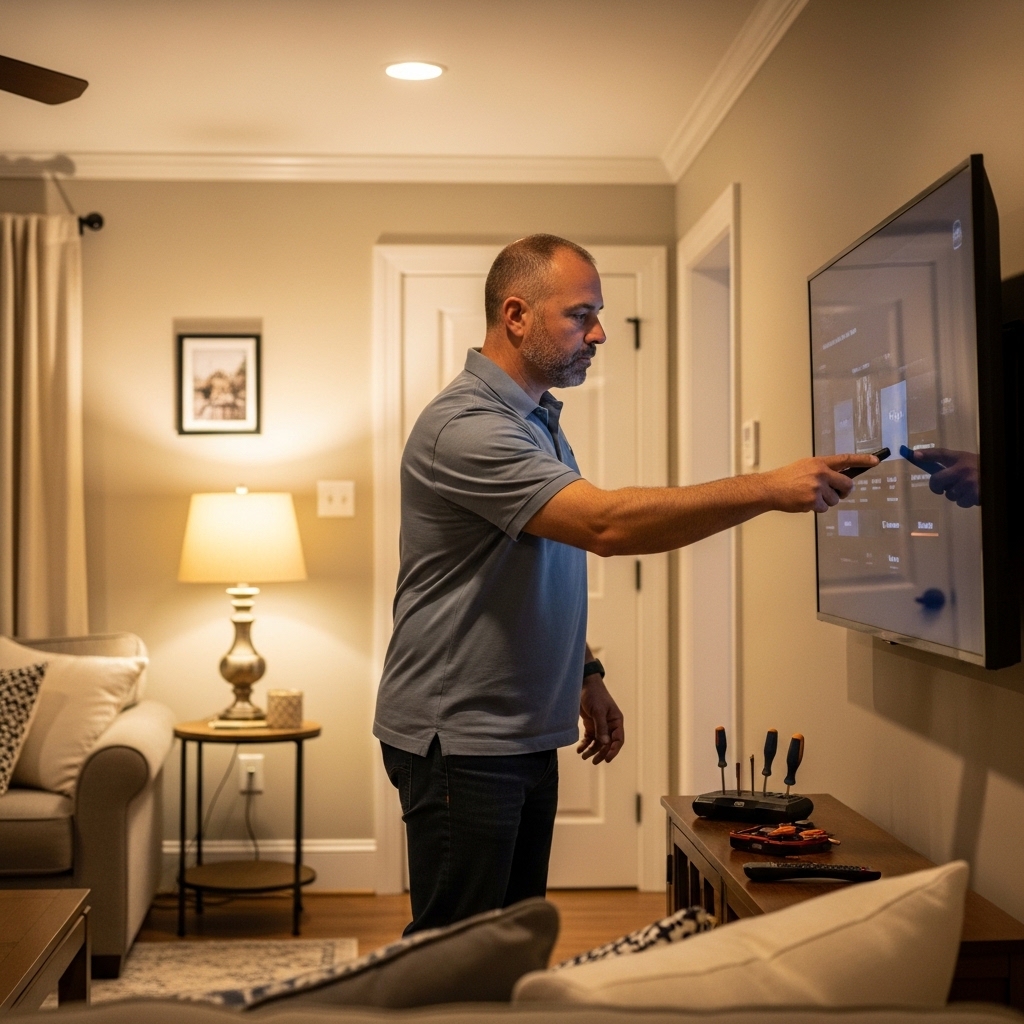

A satellite TV picture depends on a chain of equipment, not just the television: a provider sends programming to a satellite, a dish receives the signal, and a receiver decodes it for the screen. Understanding that path makes it easier to identify which parts matter when a channel disappears or a setup needs new cabling. The products listed below are accessories for coaxial connections, signal distribution, and receiver placement, rather than satellite television services or complete TV systems.
How does satellite tv work in a home? In simple terms, a dish collects a broadcast signal and feeds it to compatible receiving equipment through coaxial cable. The exact equipment and activation requirements depend on the service provider, so check provider documentation before buying components. For a different kind of over-the-air reception, our guide to multi-directional TV antenna options explains how an antenna setup differs from satellite service.


How satellite television gets from orbit to your screen
Satellite TV carries programming from a broadcaster through a relay in space to a receiving dish at the viewer’s location. The dish and receiver work together to turn that incoming signal into channels the television can display. Coaxial cable carries the signal between compatible equipment, while the receiver handles channel selection and decoding.
From programming source to satellite
A television network first supplies its programming to a satellite service provider or broadcast operation. The provider gathers channels and prepares them for transmission, which can involve encoding and combining multiple services into a signal. A transmitting facility sends that signal toward a communications satellite using an uplink.
The satellite acts as a relay, receiving the uplink and transmitting the signal back toward Earth over a designated coverage area. It does not create the programs, and it is not a television receiver in orbit. Its job is to retransmit the broadcast so compatible receiving equipment on the ground can collect it.
That broad path explains why satellite service can reach locations where wired television infrastructure may be limited. But reception still depends on a correctly configured system, suitable line of sight, working equipment, and an active service plan where one is required. A dish alone does not provide a subscription or decode every signal it can receive.
What the dish and receiving electronics do
The dish reflects incoming radio-frequency energy toward a feed assembly positioned in front of its reflective surface. The receiving electronics connected to the feed process the signal for delivery over coaxial cable to a compatible receiver. The dish needs to be aimed and installed for the service and satellite it is intended to receive.
Signal reception can be interrupted when the path between the dish and the satellite is obstructed or when the system is misaligned. Heavy weather may also affect reception, depending on conditions and the particular system. A lost picture therefore does not automatically mean the television itself has failed.
The receiving electronics and receiver have separate jobs. The former handles the signal at the dish end, while the receiver selects and decodes channels for viewing. Some installations include additional components or multiple lines, so follow the provider’s connection diagram rather than assuming every setup uses the same arrangement.
How coaxial cable carries the signal indoors
Coaxial cable has a central conductor surrounded by insulation and shielding, with an outer jacket protecting the assembly. In a satellite setup, it provides a path between compatible receiving equipment and a receiver. Connector condition and a secure connection matter because loose, damaged, or poorly fitted cable ends can contribute to signal problems.
RG6 is a common cable type in television installations, but the right cable and connector still depend on the system, installation length, and provider requirements. The indoor amplified antenna guide covers a separate broadcast option, which uses local over-the-air signals rather than a satellite subscription and dish.
A cable run can include wall plates, couplers, and other in-line connections. Each added connection is another point to inspect if reception changes. Keep the run and connection layout consistent with equipment instructions, and avoid treating a generic coax accessory as proof of compatibility with every satellite system.
What happens at the receiver and television
The receiver decodes channels for viewing
The receiver is the bridge between the incoming satellite signal and the TV’s picture and sound. It interprets the service’s channel information, decodes selected programming, and sends audio and video to the television through the connection supported by that receiver. The TV then displays the output just as it would from another connected source.
Some services require provider-supplied or provider-authorized receiving equipment, account activation, or both. A generic television tuner should not be assumed to replace a satellite receiver. Confirm the provider’s approved equipment list and subscription requirements before purchasing a receiver or attempting to connect a dish directly to a TV.
In a multi-room arrangement, one receiver may serve one television, while additional rooms may require client devices, extra receivers, or a provider-approved distribution setup. Capabilities vary by service and hardware. A splitter or amplifier cannot create extra authorized viewing locations or substitute for equipment the provider requires.
Satellite, cable, and antenna TV are different services
Satellite television receives a signal relayed from orbit by a dish. Cable television generally delivers programming through a provider’s wired network, while an over-the-air antenna receives local broadcasts directly from terrestrial transmitters. All three can ultimately connect to a television, but their signal sources and required equipment are not interchangeable.
That difference matters when shopping for accessories. An F-type coax connector may physically join compatible coaxial lines, yet physical fit alone does not establish that a component is suitable for a particular provider’s signal path. Check the specifications and instructions for the dish, receiver, cable, and any in-line device before adding it.
Satellite service also differs from streaming apps. Streaming normally uses an internet connection and a smart TV, streaming player, or other network device. Satellite service receives programming through the dish and receiver, though a provider may offer internet-connected features as part of some systems.
Understanding the cable and accessories in this product list
Choose cable and connectors for the actual run
The Cables Direct Online RG6 Coaxial Cable Quad Shield is listed as a 500-foot bulk cable on a reel, with an 18 AWG copper-clad steel conductor and quad shielding. Its description lists satellite antennas among the intended applications, along with cable television and other coaxial uses. A bulk reel may be relevant for an installation that needs a custom cable length, but it requires correctly prepared ends and does not include a completed connection simply by being cut to length.
For a cable repair or custom termination, the Coaxial Cable Crimper for RG59, RG6 is listed with a stripper and compression connectors. The product description identifies RG6, RG59, and RG11 cable support. Verify that the supplied connector type matches both the cable and the intended equipment; a tool cannot compensate for an incompatible fitting or damaged cable.
THE CIMPLE CO female-to-female coaxial couplers are available in package sizes intended for joining two compatible coaxial lines or connecting through a wall plate. They are listed for F-type connections and multiple coax formats, including RG6. Use a coupler only where the connection is appropriate for the system, and keep the total signal path and provider guidance in mind.
More connections do not automatically improve reception. Each junction adds a physical connection that can become loose or introduce loss, and a long or complicated run may need to be assessed against the receiver and dish specifications. If reception worsens after adding a coupler, remove the new connection if practical and compare the original arrangement.
Know what an amplifier can and cannot fix
The single-line iMEGA AMP111 Inline Digital Satellite TV Amplifier and the dual-line Dual Digital Satellite TV Amplifier Signal Booster are described for satellite applications. The listings specify use with RG6 runs over 50 feet and state that the devices are DC passive, with up to 20 dB gain. These are product listing claims, not a guarantee that an amplifier will resolve every reception problem.
An amplifier may be relevant when a system needs help with loss along a cable run or through in-line devices, but it does not repair a broken cable, correct a misaligned dish, or restore a blocked signal path. The supplied product information explicitly cautions that amplification will not magically fix a weak signal caused by installation problems. Diagnose the source of the issue before inserting an amplifier.
Compatibility deserves a careful check, especially where a line carries power or control signals as part of its operation. A product’s broad compatibility wording does not replace the satellite provider’s wiring requirements. If the installation diagram does not clearly show where an amplifier belongs, ask the provider or a qualified installer rather than improvising the signal path.
Receiver mounting is about placement, not reception
The THE CIMPLE CO Receiver Mount with Screw Kit is listed for specified wired DIRECTV Genie Mini client models, with explicit exclusions for wireless and 4K or UHD models. Its role is to secure a compatible receiver near a television, desk, or other suitable mounting surface. It does not improve the satellite signal or make an incompatible receiver model work.
Check the exact receiver model before ordering a mount, since a similar product name does not establish compatibility. Placement should leave the receiver’s connections accessible and its ventilation unobstructed, consistent with the equipment instructions. Follow the mount and receiver manufacturers’ installation guidance, verify that the mounting surface and fasteners are appropriate, and get help handling equipment where needed.
Diagnosing common satellite TV interruptions
Start by locating where the signal path fails
If the TV shows no picture, first determine whether the television is displaying the correct input and whether the receiver has power. Then check the receiver’s status and any on-screen error information. A TV input problem can look like a satellite outage even when the dish and receiver are working.
If the receiver reports a signal issue, inspect accessible coax connections for looseness or visible damage. Do not open electronic equipment or attempt to alter a dish mounted in a hazardous location. For dish alignment, damaged exterior cable, or provider-specific error messages, consult the service provider or an appropriate installer.
Intermittent reception can have several causes, including weather, an obstruction, a connection problem, or a fault in the equipment. Note whether the issue affects every channel, one receiver, or multiple rooms. That distinction helps narrow the problem without assuming the TV itself is defective.
Use amplifiers only after checking the basics
A signal booster is not a first-line cure for every outage. A loose connector, unsuitable cable, poor dish alignment, or obstruction needs a different correction, and adding gain cannot restore information that never reaches the receiving system. The amplifier product descriptions themselves warn against expecting a device to repair a broken or weak signal caused by installation.
Before changing the wiring, record how the system is connected and check the provider’s diagrams. If one line feeds two receivers, confirm that the proposed device is intended for that arrangement rather than assuming a dual amplifier can replace a splitter or distribution system. Preserve the original configuration until the compatibility of any replacement is clear.
After a permitted cable or connector correction, check whether the receiver’s signal status and channel picture return to normal. If the fault persists, avoid repeatedly adding components because that can make the path harder to diagnose. Provider support can determine whether the dish, receiving electronics, account, or receiver needs attention.
What to confirm before buying satellite accessories
Start with the exact system: provider, dish arrangement, receiver model, cable type, and the purpose of the accessory. Match connector style and cable format rather than relying only on a broad statement that a product works with satellite TV. Product descriptions are useful starting points, but provider instructions determine the requirements for a particular installation.
For a cable reel, consider the installation length and whether you have the correct connectors and tools for the job. For couplers, identify where the added joint will sit and whether the system instructions permit it. For an amplifier, confirm the run length, number of lines, and power or control requirements before purchase.
Keep the television’s role separate from the satellite equipment’s role. The screen displays the receiver’s output, while the receiver and dish handle reception and decoding. If you are choosing a TV for the setup, focus on the inputs and display features that suit the receiver and room, not on a claim that the TV alone can replace a satellite system.
The practical answer is that satellite TV works through a linked broadcast, dish, coaxial, and receiver path. Identify which part handles the symptom before buying an accessory: cable and connectors address physical connections, an amplifier may help only in an appropriate signal-loss situation, and receiver mounts address placement. Confirm the provider’s requirements, then use the product listing details to check whether a component matches the job.




Write Your Review
No reviews yet. Be the first to share your experience!