
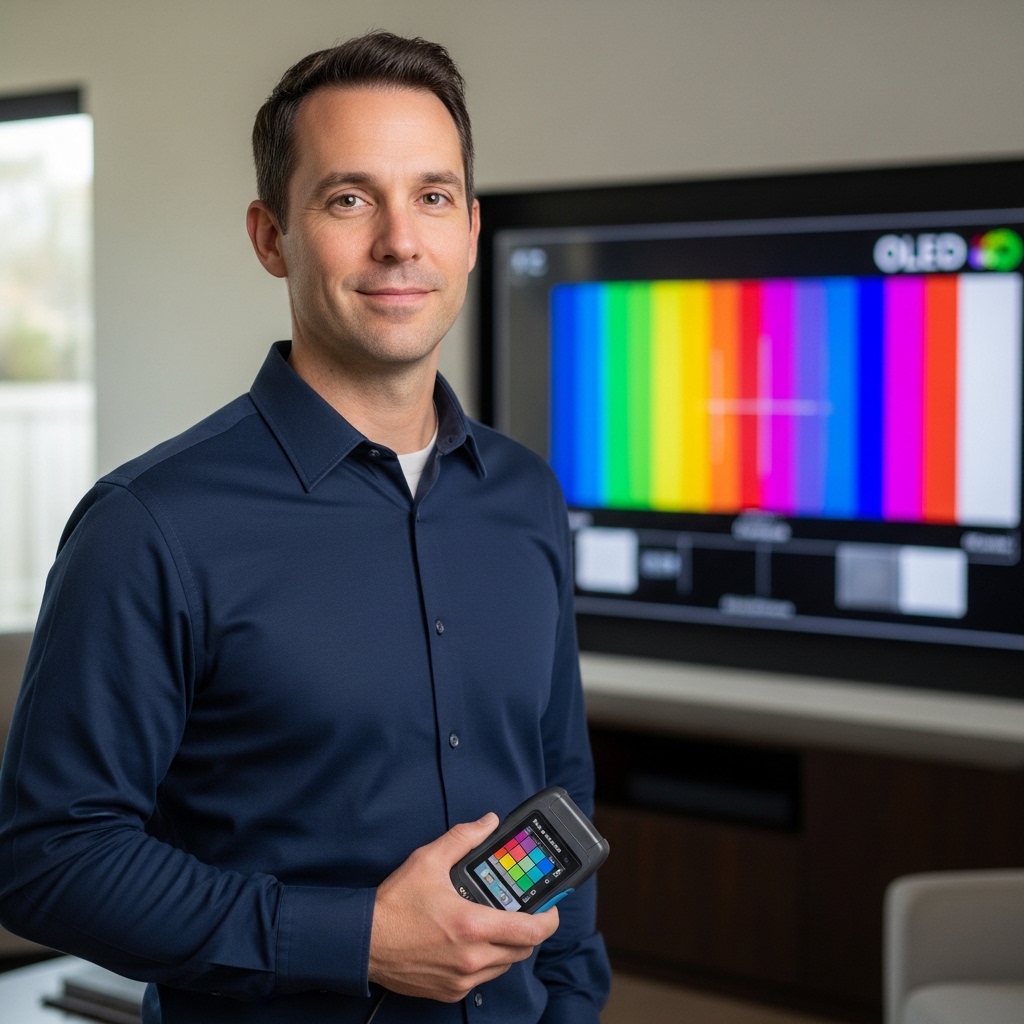

Dim bedroom lighting and sunlit living spaces often expose the flaws of entry-level displays, from dull color palettes to washed-out backlights. Securing the best 50 inch tv under 500 requires balancing crisp display clarity against everyday practical convenience. At a typical viewing distance of five to seven feet, a 50-inch panel offers a practical sweet spot for bedrooms, guest rooms, and compact apartments. Understanding what UHD means on modern screens helps explain why native 3840×2160 pixel resolution delivers noticeably sharper text and background textures compared to older 1080p panels.
Budget-friendly entertainment hubs no longer force you to settle for sluggish navigation or murky contrast. Modern value panels offer solid support for high dynamic range formats like HDR10+, paired with fast processors that keep popular streaming platforms like Prime Video and Netflix running smoothly. While you won’t get the ink-like black levels of high-end OLEDs or the blinding luminance of flagship Mini-LED sets, modern LED-LCD engineering provides plenty of brightness and color depth for daily TV shows, weekend sports, and casual console gaming without stretching your budget.
Pros
- Easy setup and intuitive Fire TV interface with Alexa voice control.
- Good 4K HDR picture quality with HDR10+ support for improved contrast.
- Fast performance thanks to new quad-core processor and Wi-Fi 6 connectivity.
- Ambient Experience mode adds a decorative touch when the TV is not in use.
- Competitive price for a feature-rich 50-inch 4K smart TV.
Cons
- Brightness may be limited in very sunny rooms, reducing HDR impact.
- Built-in speakers are adequate for casual use but lack deep bass; a soundbar is recommended for better audio.
- Only 60Hz panel, not ideal for high-refresh-rate gaming or fast-paced sports if you prefer smoother motion.
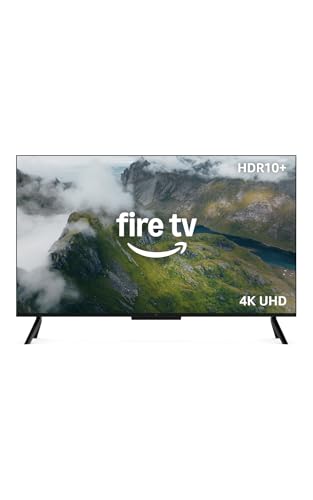
The Amazon Fire TV 50-inch 4-Series is a solid entry-level 4K smart television designed primarily for streaming enthusiasts, cord-cutters, and families looking for a straightforward, all-in-one entertainment solution. With the latest Fire TV platform built right in, it offers seamless access to popular apps like Netflix, Prime Video, Disney+, Hulu, and more, plus free live TV channels with no subscription required. The included Alexa Voice Remote Enhanced makes it easy to search for content, control smart home gadgets, or ask for weather updates using natural speech.
In terms of picture quality, the 4-Series delivers 4K Ultra HD resolution with HDR10+ support, which enhances contrast and color accuracy for a more lifelike viewing experience. While not as bright as premium LED or OLED models, it handles dark scenes reasonably well thanks to improved contrast from HDR10+. Motion handling and upscaling of lower-resolution content are decent for this price range, making it suitable for movies, TV shows, and everyday news. For dark room movie nights, the TV performs admirably, though in brightly lit living rooms you may notice some glare.
The Fire TV platform is one of the easiest to navigate, with a clean home screen that organizes apps, live TV, and recommendations. Alexa integration is a standout feature- you can change channels, launch apps, adjust volume, or even control compatible smart lights without touching the remote. The Omnisense technology is a neat addition: sensors detect when you enter the room and wake the display to show artwork or quick-access menus, adding a touch of convenience and style to any space.
Gaming on this TV is geared toward casual and cloud-based play. You can stream titles from Amazon Luna or Xbox Game Pass without a console using your phone as a controller. However, with a 60Hz panel and no VRR or HDMI 2.1 support, it is not built for competitive or high-framerate gaming. For family-friendly titles or party games, it works fine. The four HDMI inputs provide plenty of connectivity for a soundbar, cable box, and a console, plus eARC support ensures easy audio setup.
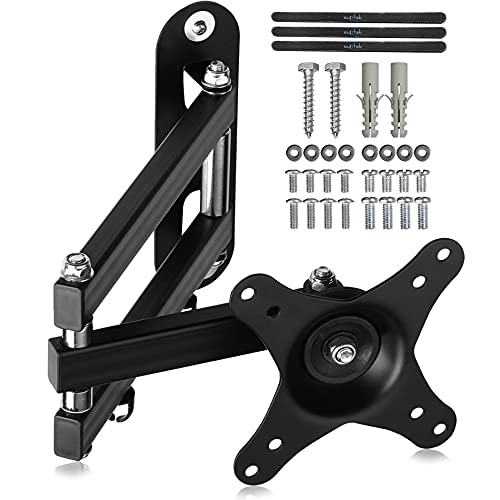
Setup is straightforward: attach the two feet or mount it using the VESA pattern (standard 200x200). The bezels are slim, giving the 50-inch screen a modern look that blends into most living rooms or bedrooms. The included remote has dedicated buttons for popular streaming services, making access quick. Overall build quality is good for its price, with a stable stand and lightweight construction (under 19 pounds).
Realistically, the main limitations are brightness and built-in sound. In very bright rooms, HDR highlights may not pop as much, and the speakers lack bass for an immersive audio experience. A budget soundbar like the Amazon Fire TV Soundbar would complement this TV well. Despite these trade-offs, the Fire TV 50-inch 4-Series offers exceptional value for streamers, families, and anyone new to 4K smart TVs. It is a reliable choice for a secondary bedroom TV, a family room for kids and movies, or a primary living room for cord-cutters who prioritize streaming ease over absolute picture perfection.
Frequently Asked Questions
What is the ideal viewing distance for a 50-inch 4K TV?
Direct Answer: Between five and seven feet is the optimal viewing distance for a 50-inch display. Sitting within this range allows your eyes to fully resolve the 4K Ultra HD resolution without seeing individual pixel structure. It also fills around thirty degrees of your field of view, delivering a comfortable viewing experience in compact living spaces or master bedrooms.
Can the Best 50 Inch Tv Under 500 handle modern console and cloud gaming?
Direct Answer: Yes, it supports cloud gaming services alongside standard console connections. Built-in support for platforms like Amazon Luna and Xbox Game Pass allows you to stream titles directly without owning an expensive console. For casual gaming on modern consoles, the 60Hz panel provides smooth playback and reliable low latency during everyday play.
Does the Amazon Fire TV 50″ 4-Series support HDR10+ content?
Direct Answer: Yes, this model includes native HDR10+ decoding for enhanced contrast and richer color mapping. HDR10+ uses dynamic metadata to adjust scene brightness frame by frame, preserving highlights and shadow textures across compatible streaming apps. While entry-level panels have moderate peak brightness compared to premium Mini-LED displays, HDR10+ processing helps pull out crisp details in dimmer scenes.
Can you connect external soundbars to improve dialogue clarity?
Direct Answer: Yes, you can easily connect an external soundbar using HDMI eARC or optical audio ports. While the integrated stereo speakers support Dolby Audio, adding a dedicated audio bar dramatically improves vocal intelligibility and bass response. If you are exploring broader audio configurations, learning about hooking up multiple soundbars to one TV can help clarify audio splitter and passthrough limitations.
How does Wi-Fi 6 improve streaming on the Best 50 Inch Tv Under 500 in 2026?
Direct Answer: Wi-Fi 6 delivers faster data throughput, lower latency, and superior connection stability on crowded home networks. Streaming high-bitrate 4K HDR streams requires consistent wireless bandwidth to prevent buffering and sudden drops in video resolution. The built-in quad-core processor and Wi-Fi 6 antenna ensure apps load quickly and navigation stays responsive throughout daily viewing.
How well does an entry-level 50-inch screen perform in bright rooms?
Direct Answer: Standard LED-LCD panels handle moderate indoor lighting well, but direct sun glare can impact contrast. Positioning the display away from open windows facing direct sunlight keeps colors punchy and prevents reflections on the screen. For spaces with harsh daytime lighting, adjusting backlight settings and using ambient curtains preserves clarity.







Write Your Review
No reviews yet. Be the first to share your experience!