
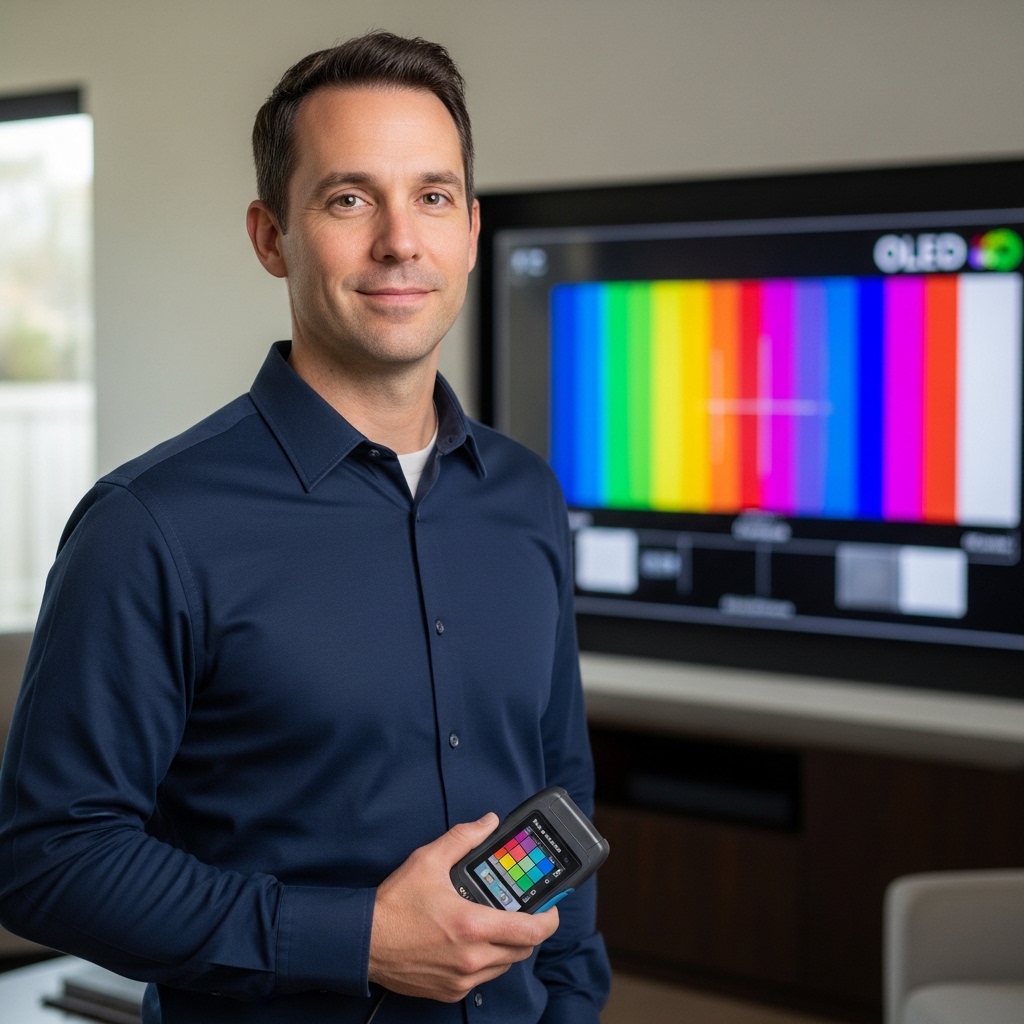

Screen glare bouncing off a glossy screen during intense matches can break your immersion fast, leaving you squinting right when reaction time matters most. Sorting through the debate of 4k tv vs 4k monitor for gaming requires looking closely at pixel density, desktop viewing distance, and how fast your screen can actually refresh. Big living room panels deliver huge cinematic scale, but compact displays pack sharper details per inch that keep competitive crosshairs crisp. If you prefer high frame rates and near-instant pixel response for fast-paced shooters, a dedicated monitor often holds the upper hand over a bulky television. You can even check out a high-refresh Mini-LED screen if you want intense brightness without giving up fluid motion.
Evaluating manufacturer specifications and community feedback shows that connectivity makes or breaks your daily setup. Many players plug both a PlayStation 5 and a PC into one workstation, so it’s critical that HDMI 2.1 bandwidth and variable refresh rate prevent screen tearing during 4K gameplay at 120Hz. While a modern television excels at deep black levels for dark-room cinema, a dedicated monitor offers ergonomic tilt adjustments and specialized overdrive modes that eliminate ghosting during frenetic battles. Whether you sit two feet away from a desk or six feet back on a couch, matching your display type to your room layout prevents costly buyer remorse.


Frequently Asked Questions
Does a 4K gaming monitor have lower input lag than a 4K TV?
Yes, dedicated gaming monitors generally offer lower input lag and faster pixel response times than standard televisions. Fast IPS and OLED monitors frequently feature sub-millisecond or one-millisecond response rates that curb motion blur during fast gameplay. While modern game modes on 4K televisions reduce latency significantly, specialized monitors still offer the snappiest control feel for competitive esports.
Can you run 4K at 120Hz on modern consoles with both displays?
Yes, both display types can support 4K at 120Hz provided they feature full-bandwidth HDMI 2.1 inputs. Current consoles like the Xbox Series X and PlayStation 5 rely on HDMI 2.1 to deliver high frame rates without chroma subsampling. Monitors such as the ASUS TUF Gaming VG27UQ1A 27 Inch 4K 160Hz G-SYNC provide this native console support right alongside high PC refresh rates.
How does screen size impact desk gaming in 2026?
Screen sizes between 27 and 32 inches offer the sharpest pixel density when sitting at standard desk distances. Trying to place a 43-inch or larger television on a shallow desk forces awkward neck movement and reveals individual pixels up close. If you need a wider field of view for immersive simulation games, curved ultrawide panels wrap around your peripheral vision much better than a flat big-screen TV, though you can still evaluate an affordable 40-inch screen if you sit slightly further away.
Is an OLED monitor or an OLED TV better for dark-room contrast?
Both deliver perfect black levels and infinite contrast, but OLED monitors offer higher desktop refresh rates and specialized anti-glare coatings. Premium options like the LG 32GX850A-B 32″ UltraGear 4K UHD (3840 x 2160) provide dual-mode refresh switching up to 330Hz and near-instant 0.03ms response times. OLED televisions often produce higher sustained full-screen brightness, but monitors offer greater desktop ergonomics and tighter pixel layouts.
Do built-in speakers on 4K TVs outperform gaming monitors?
Yes, 4K televisions almost always provide superior built-in speakers compared to gaming monitors. Most monitors either lack integrated speakers entirely or include low-wattage drivers with thin acoustic output. If you want rich cinematic audio without using a gaming headset, choosing a television with superior sound quality or connecting an external soundbar is the ideal route.




Write Your Review
No reviews yet. Be the first to share your experience!