
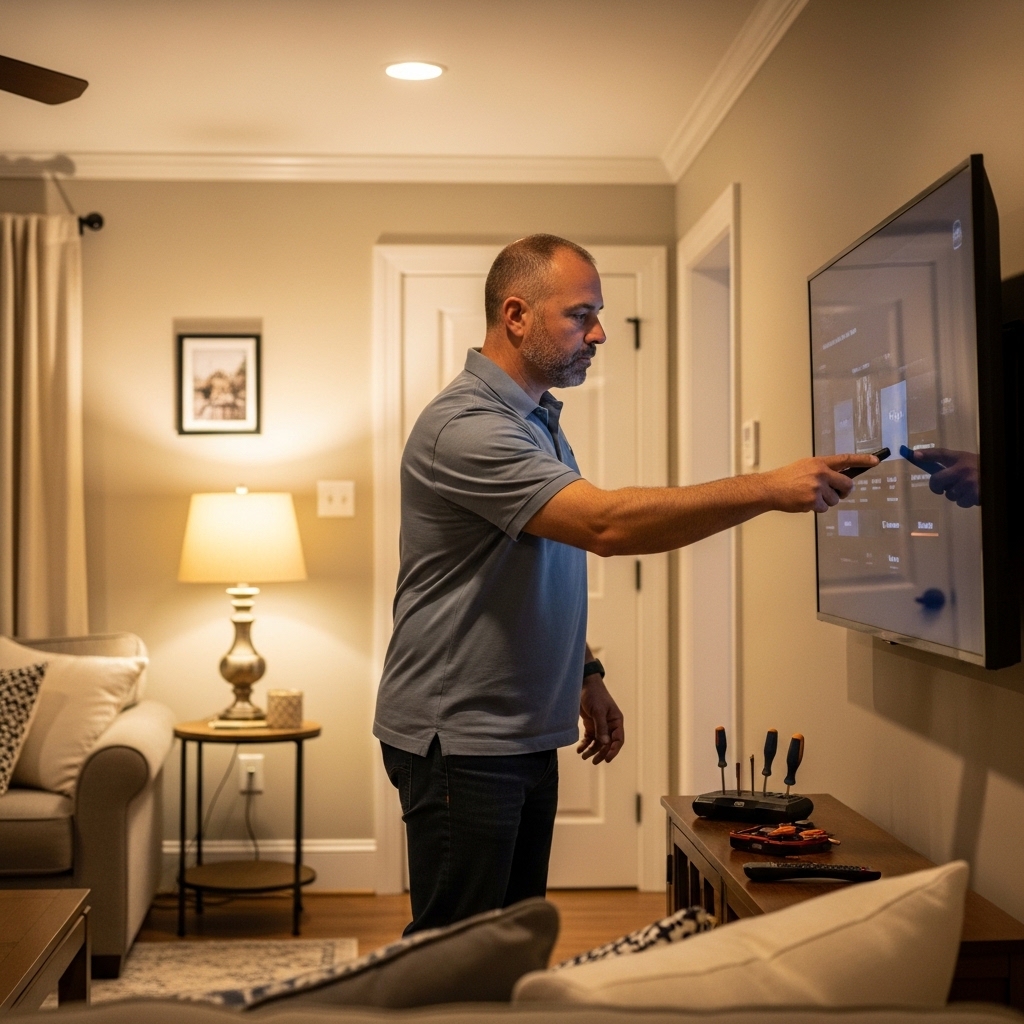

Bright room reflections often tempt viewers to crank backlight brightness to maximum levels, yet that extra illumination draws significantly more wall power than expected. Balancing crisp 4K picture quality with everyday household energy expenses requires paying attention to panel efficiency and display hardware specs. Anyone setting up a living space naturally wonders: How Many Watts Does a Samsung LED TV Use in 2026? Most current sets draw between 30 and 110 watts during active playback, depending on display size and selected picture mode. Checking how much energy an LED TV uses across different screen sizes provides clear context for managing your power bill.
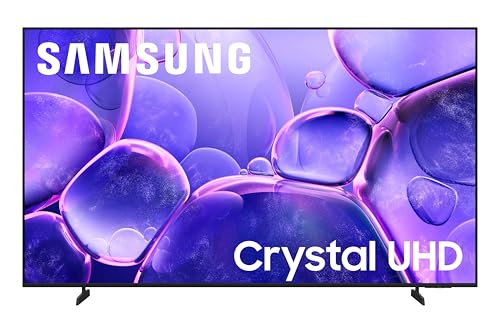
Screen dimensions remain the primary factor determining energy draw, but Samsung’s onboard software tools ensure it doesn’t waste electricity needlessly. Ambient light sensors automatically lower panel brightness in dark rooms, preventing power spikes during late movie sessions. Models like the Samsung AU8000 HG50AU800NF 50″ Smart LED-LCD TV use an efficient 4K Crystal Display to output sharp imagery without demanding excessive power. Lower running wattage also supports the long-term lifespan of an LCD or LED screen by keeping internal components cool.

Pros
- Excellent 4K Crystal Display picture quality with vibrant colors and good contrast for an LED TV
- Slim, space-saving design with minimal bezels that looks great on a stand or wall-mounted
- User-friendly Tizen smart platform with a wide selection of streaming apps
- Decent upscaling for non-4K content, improving overall viewing experience
Cons
- Standard 60Hz panel and no HDMI 2.1, limiting gaming features for competitive gamers
- Built-in speakers are adequate but may lack bass and clarity for immersive movie nights
- Brightness is moderate, so it may struggle in very sunny rooms or near windows
The Samsung AU8000 HG50AU800NF is a 50-inch 4K UHD Smart LED TV that originally targets hospitality settings but works perfectly for home use. It features a Crystal Display for vibrant colors and sharp details, making it a strong contender for everyday home entertainment. This TV is ideal for homeowners, apartment renters, families, and cord-cutters who want a reliable 4K smart TV for streaming, casual gaming, and watching movies.
Picture quality is the highlight here. The 4K Crystal Display delivers rich, lifelike colors and decent contrast for an edge-lit LED TV. Blacks are okay for most content, though not as deep as OLED or full-array local dimming models. HDR performance supports HDR10 and HLG, giving a nice boost to compatible movies and shows. The TV also does a respectable job upscaling 1080p or 720p content, so old DVDs or cable broadcasts look cleaner and more detailed.
For gamers, the AU8000 is a mixed bag. It offers low input lag in game mode, which is great for casual and story-driven games. However, it lacks HDMI 2.1 features like VRR, ALLM, and 120Hz support, so competitive gamers on PS5 or Xbox Series X may miss those enhancements. The 60Hz panel is fine for most single-player titles but not ideal for fast-paced shooters or racing games.
Smart TV features are handled by Samsung's Tizen platform. It’s smooth, responsive, and loaded with apps including Netflix, Disney+, Prime Video, YouTube, and more. The included remote is straightforward, though it doesn't have a built-in microphone for voice control like some higher-end models. You can still use the SmartThings app on your phone for basic voice commands and casting.
Design-wise, the TV has a slim profile with thin bezels, making it easy to mount on a wall or place on a stand. The included stand is sturdy and doesn't require too much table space. Setup is straightforward, and cable management is decent for a TV in this price range. Sound quality from the built-in speakers is average – clear enough for news and casual shows, but you’ll want a soundbar for movies and music.
Overall, the Samsung AU8000 is a solid choice for budget-conscious buyers who want a reliable 4K smart TV for everyday use. It excels at streaming, family movie nights, and casual sports viewing. If you’re a serious gamer or home theater enthusiast, you may want to consider a model with better gaming features or local dimming. But for most living rooms, bedrooms, or dorm setups, this TV offers great value and performance.
The Samsung AU8000's Crystal Display technology ensures vibrant colors and good contrast for an LED TV. With 4K resolution and HDR10 support, movies and shows pop with realistic detail. Upscaling works well to improve lower-resolution content, so standard HD or even DVD material looks sharper. Blacks are decent but not absolute, typical for edge-lit LEDs. For bright rooms, the TV's moderate brightness may cause some glare, but overall picture quality is satisfying for the price.
This TV runs on Samsung's Tizen smart platform, which is fast and easy to navigate. You get access to all major streaming apps like Netflix, Hulu, Disney+, Prime Video, YouTube, and more. The interface is clean and customizable. The remote is simple, but you can use the SmartThings app on your phone for additional control. One downside: no built-in voice assistant, but app integration compensates.
Frequently Asked Questions
How many watts does an average 50-inch Samsung LED TV use?
A typical 50-inch Samsung LED TV uses between 50 and 95 watts during normal operation. The exact draw fluctuates based on backlight levels and selected picture presets. Activating basic eco modes keeps power near 50 watts, while bright HDR scenes push consumption higher.
Does changing the picture mode reduce TV power consumption?
Yes, switching from dynamic or vivid mode to standard or movie mode cuts wattage significantly. Vivid mode pushes the LED backlight to maximum intensity, which increases energy demand. Standard and movie presets calibrate illumination to realistic levels, often reducing electricity use by up to thirty percent.
How does the Samsung Eco Sensor help lower wattage?
The integrated Eco Sensor monitors ambient light to adjust panel brightness automatically. In darker rooms, the sensor dials down backlight intensity because full illumination is unnecessary. This smart adjustment lowers overall wattage while preventing eye strain during evening viewing sessions.
Will wall mounting affect the display’s thermal load or power efficiency?
Wall mounting does not change power draw, but proper ventilation keeps internal power boards running efficiently. Using a sturdy single stud TV wall mount ensures adequate rear airflow between the chassis and drywall. Proper spacing prevents thermal buildup, helping internal components operate reliably over time.
How do you calculate the monthly power cost of a Samsung LED TV?
Calculate monthly costs by multiplying display wattage by daily viewing hours and dividing by 1,000 to find kilowatt-hours. Then multiply that total by your local electric utility rate. A 70-watt screen watched four hours daily consumes roughly 8.4 kilowatt-hours monthly, which amounts to just a couple dollars.






Write Your Review
No reviews yet. Be the first to share your experience!